AI IMAGE PROMPTS

AI Image Prompts

Copy practical AI image prompts for ChatGPT, GPT Image 2, product photos, social ads, logos, posters, and prompt-based image editing. Start with a prompt pattern, then open the generator or editor to create the image.

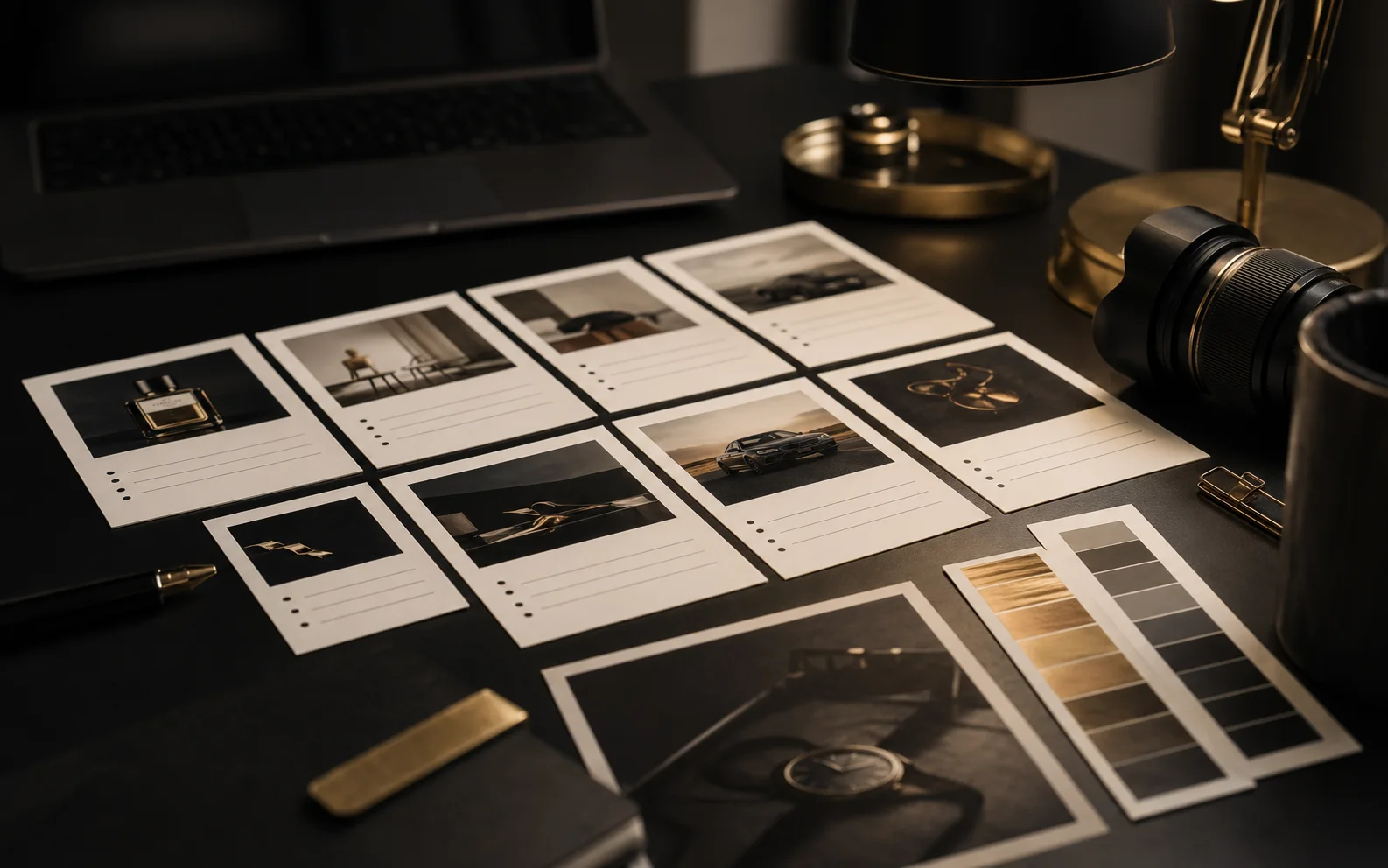
AI image prompt structure board
Prompt formula

A strong AI image prompt usually combines subject, use case, visual style, and constraints: what appears, what it is for, how it should look, and what must stay fixed.

01 / Subject

The object, person, scene, character, product, or design asset.

02 / Use case

Product photo, ad creative, poster, logo, social post, or edit.

03 / Visual style

Lighting, camera, material, composition, mood, and output format.

04 / Constraints

Exact text, aspect ratio, background, what to preserve, and what to avoid.

PROMPT TYPES

Start with the image job

The best AI image prompts are written for a real output: a product shot, a ChatGPT image, a paid ad visual, or a prompt-based edit.

Editorial workspace for ChatGPT image prompts

ChatGPT prompts

01

Use clear subject, style, constraints, and exact text when needed.

Premium product photography prompt setup

Product prompts

02

Describe material, lighting, shadow, background, and ecommerce use.

Ad creative prompt planning workspace

Ad prompts

03

Keep the product clear and leave room for campaign copy.

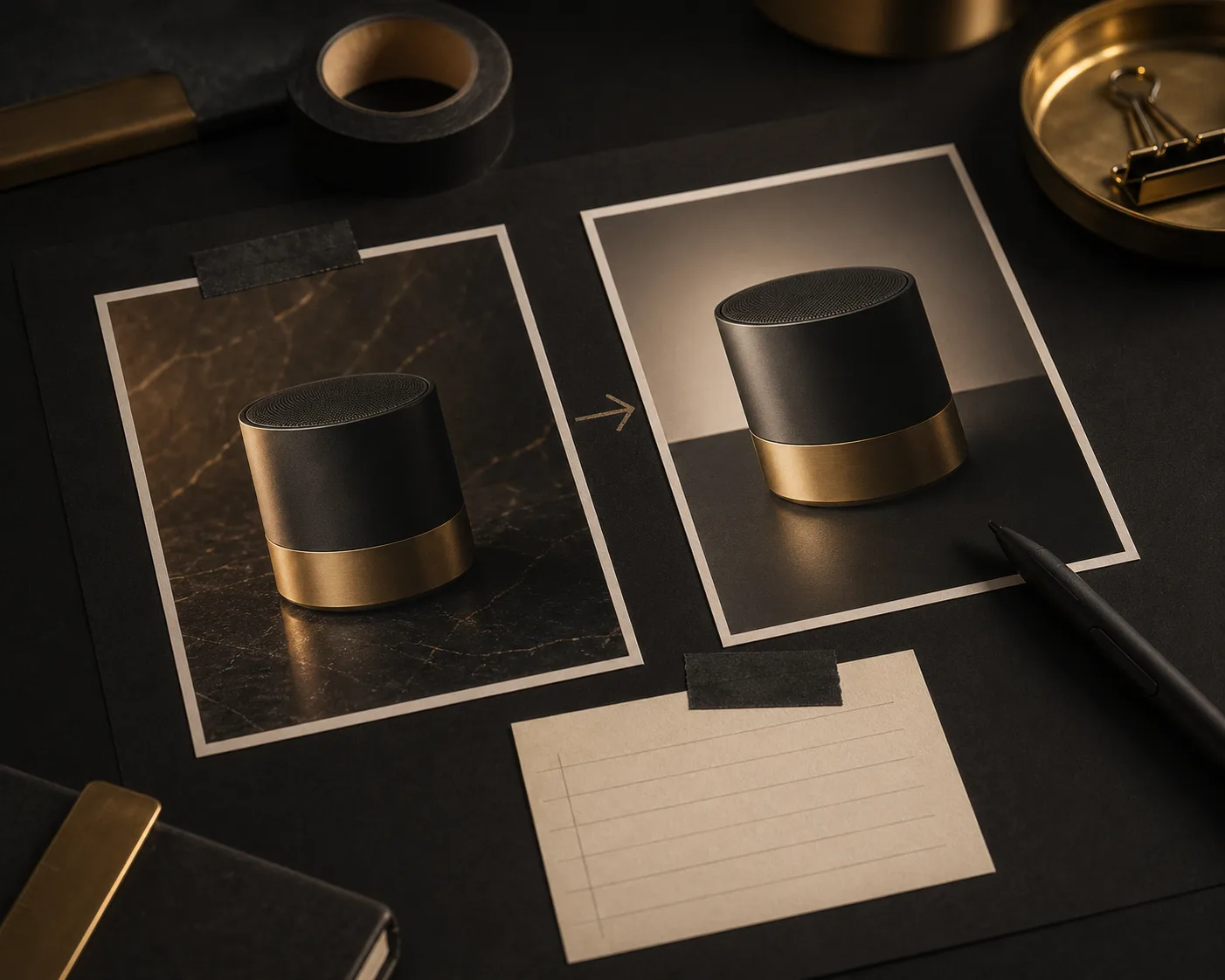
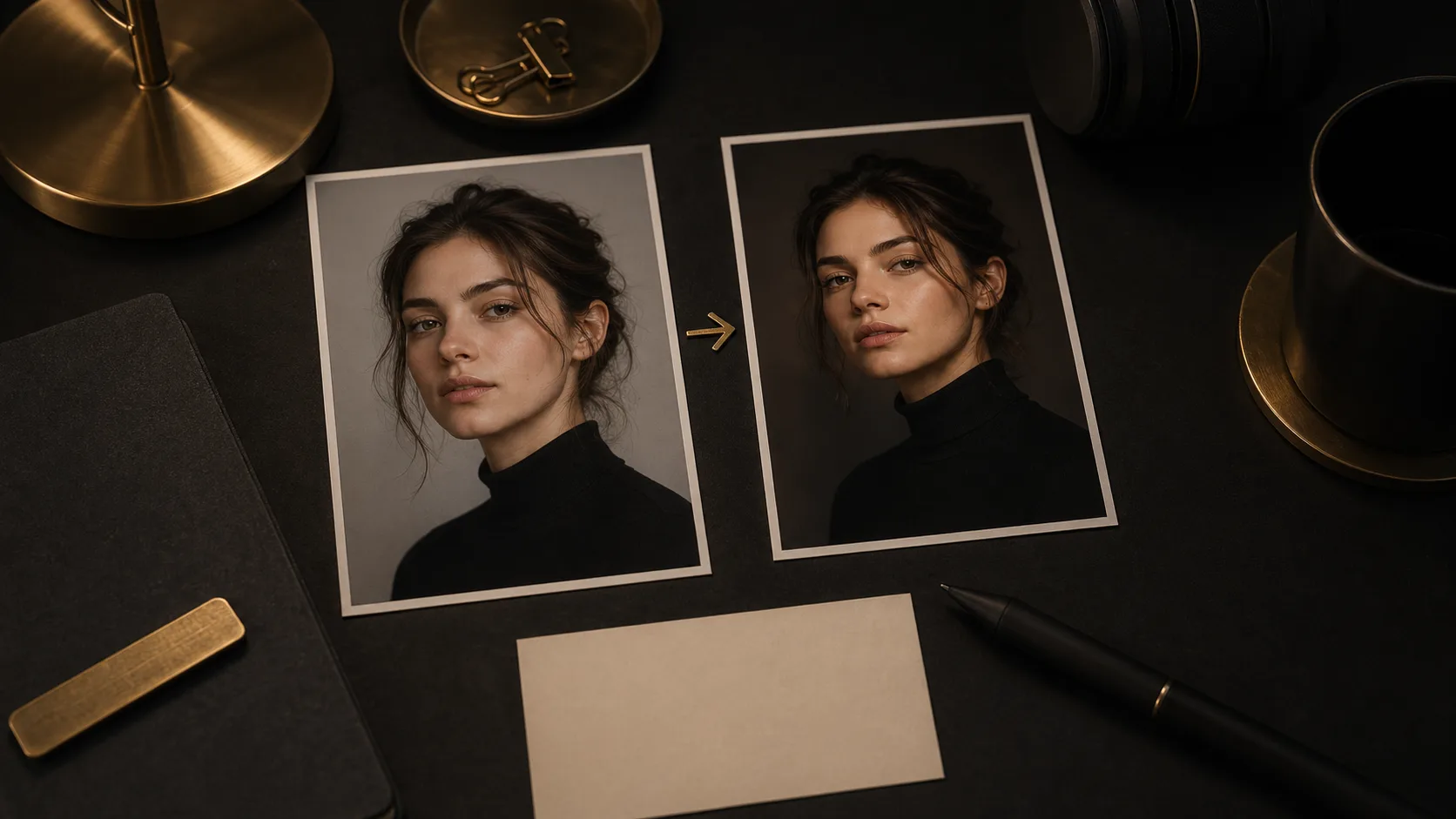
Before and after AI image editing prompt workflow

Edit prompts

04

State what changes and what must stay unchanged.

PROMPT LIBRARY

Copy ready-to-use AI image prompts

Prompt templates for the search demand around AI image prompts, ChatGPT image prompts, GPT Image 2 prompts, product visuals, ads, logos, posters, and prompt-based editing.

ChatGPT image prompt workspace thumbnail
ChatGPT Prompts

ChatGPT Product Photo

01

ChatGPT image prompts, ecommerce visuals, product concepts

Create a premium product photo of a matte black desk lamp on a warm gray background, soft studio lighting from the left, realistic shadow, crisp product edges, minimal composition, square aspect ratio, no text.

Use this prompt
Readable poster prompt planning thumbnail
GPT Image 2

Readable Text Poster

02

GPT Image 2 prompts, posters, exact text rendering

Design a clean editorial poster with the exact headline "NEW IDEAS DAILY" in large readable sans-serif typography, black background, warm gold accent line, generous spacing, no extra words.

Use this prompt
Premium product photo prompt thumbnail
Product Photos

Premium Product Hero

03

Product photo prompts, product photo AI, ecommerce hero shots

Create a high-end ecommerce product photo of a ceramic water bottle standing on a dark stone surface, softbox reflection, realistic floor shadow, neutral studio background, premium wellness brand style, 4:5 aspect ratio.

Use this prompt
Social ad creative prompt thumbnail
Ad Creatives

Social Ad Creative

04

AI image prompts for ads, product launch visuals, paid social

Create a paid social ad visual for a vitamin gummies jar, product centered, bright natural light, fresh citrus props, clean space at the top for headline text, high-converting wellness campaign style, no text.

Use this prompt
Minimal logo concept prompt thumbnail
Logos & Posters

Minimal Logo Concept

05

Logo prompt examples, brand marks, typography tests

Create a minimalist logo concept for a tea brand named "QUIET LEAF", with readable uppercase text, a simple leaf mark, balanced spacing, black and warm beige palette, vector-style presentation on a plain background.

Use this prompt
Prompt-based background edit thumbnail
Image Editing

Prompt-Based Background Edit

06

AI image editor with prompt, background replacement, product variants

Edit the uploaded image by keeping the main subject unchanged, replacing the background with a clean studio setup, adding soft directional light and realistic floor shadows, preserving the original product shape, color, and logo.

Use this prompt
Universal AI image prompt formula thumbnail
Prompt Formula

Universal Prompt Formula

07

How to write AI prompts for images, prompt structure, beginner template

Create an image using this structure: main subject, final use case, visual style, lighting, background, composition, aspect ratio, and constraints. Keep the result clean, realistic, and aligned with the stated use case.

Use this prompt
Portrait style edit prompt thumbnail
Image Editing

Portrait Style Edit

08

Prompt-based AI photo editing, portraits, style changes

Edit the uploaded portrait by changing only the background to a warm editorial studio scene. Preserve the person's face, hair, pose, expression, clothing, and skin tone. Add soft side lighting and realistic depth.

Use this prompt
PROMPT STRUCTURE

A repeatable formula for AI image prompts

Use the same structure for ChatGPT image prompts, GPT Image 2 prompts, AI image editor prompts, product photos, posters, logos, and social ads.

Name the subject

Start with the main object, person, scene, or asset. Avoid vague starts like "make an image" when a concrete subject would work better.

Add the final use case

Say whether the output is for a product page, paid ad, poster, logo concept, social post, thumbnail, or editing workflow.

Specify the visual system

Add camera angle, material, lighting, background, typography, palette, and composition so the model has a clear design direction.

Lock the constraints

Put exact text in quotes, mention what should not change, and include aspect ratio or layout constraints when they matter.

AI Image Prompt FAQ

What are AI image prompts?

AI image prompts are natural-language instructions for creating or editing images with AI. A good prompt explains the subject, use case, visual style, composition, and constraints.

Can I use these as ChatGPT image prompts?

Yes. These prompt patterns work for ChatGPT image generation and for GPT Image 2 workflows on ImageGen2. You may need to adjust model-specific settings such as aspect ratio or reference images.

How do I write better AI prompts for images?

Write the final use case first, then describe the subject, visual style, lighting, camera, background, and constraints. For text in an image, put the exact words in quotes.

What is an AI image editor with prompt?

An AI image editor with prompt lets you upload an image and type the edit you want, such as replacing a background, changing lighting, removing an object, or creating a product photo variation.

Can AI image prompts edit existing images?

Yes. Upload a source image, then describe what should change and what must stay fixed. Clear preservation instructions help the editor keep identity, product shape, logo placement, or composition intact.