AI Image Editor with Prompt
Upload an image and type the edit you want. Use ImageGen2 as an AI image editor with prompt for product photos, background replacement, ad creatives, photo cleanup, style variations, and image-to-image editing.
Add one image to edit it, or multiple images to combine subjects, styles, or references
How many images to return in a single generation
Prompt-based image edits you can ship
Start from a source image, type a clear edit prompt, and lock what should stay fixed. This is the workflow behind better product photos, campaign visuals, and practical image variations.
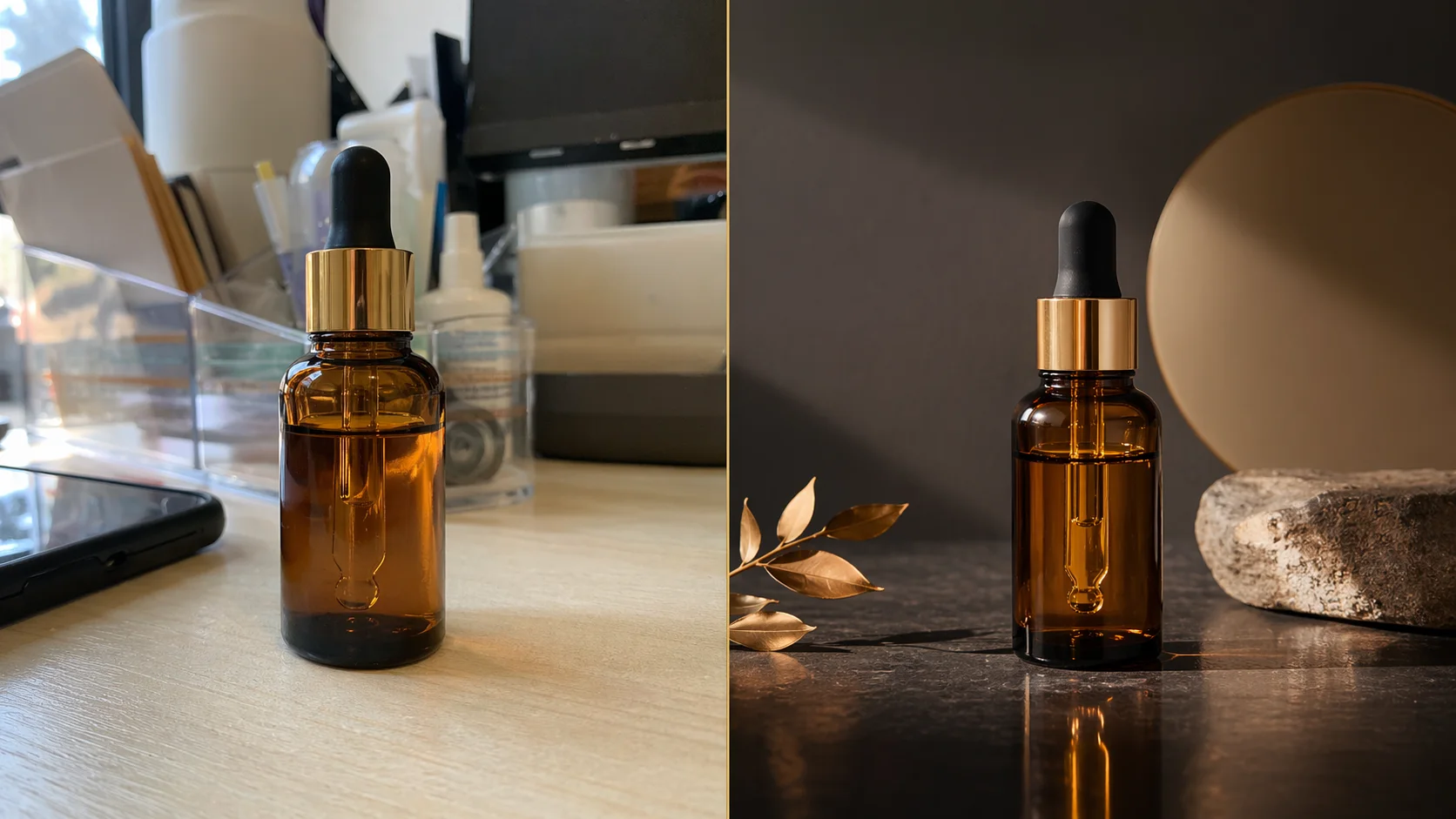
Input image
Start from a real product or photo.
Edit prompt
Say what changes and what stays fixed.
Output result
Generate a cleaner usable variant.
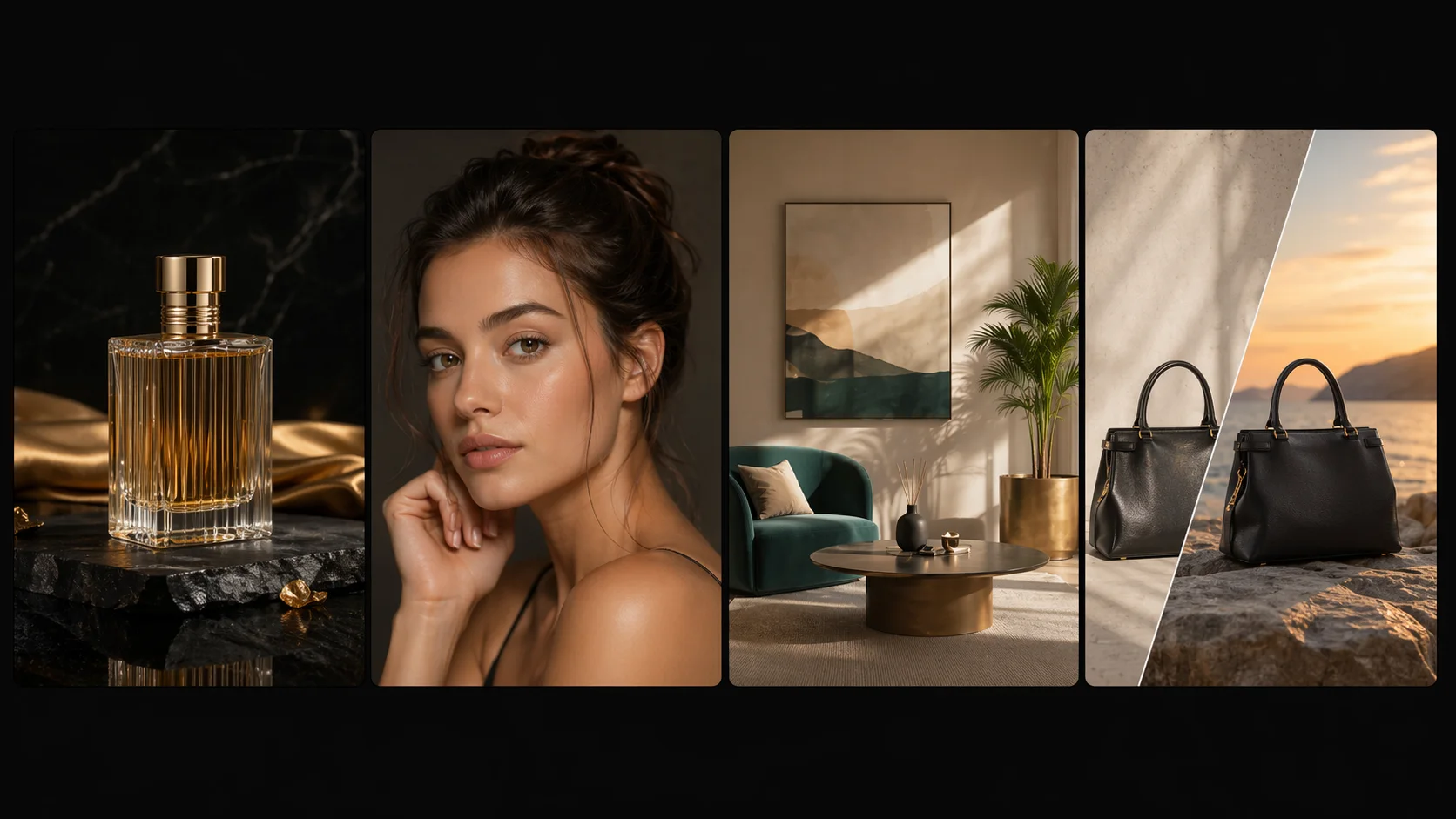
Editing workflow collage
Create product, portrait, lifestyle, and background variants from prompts.
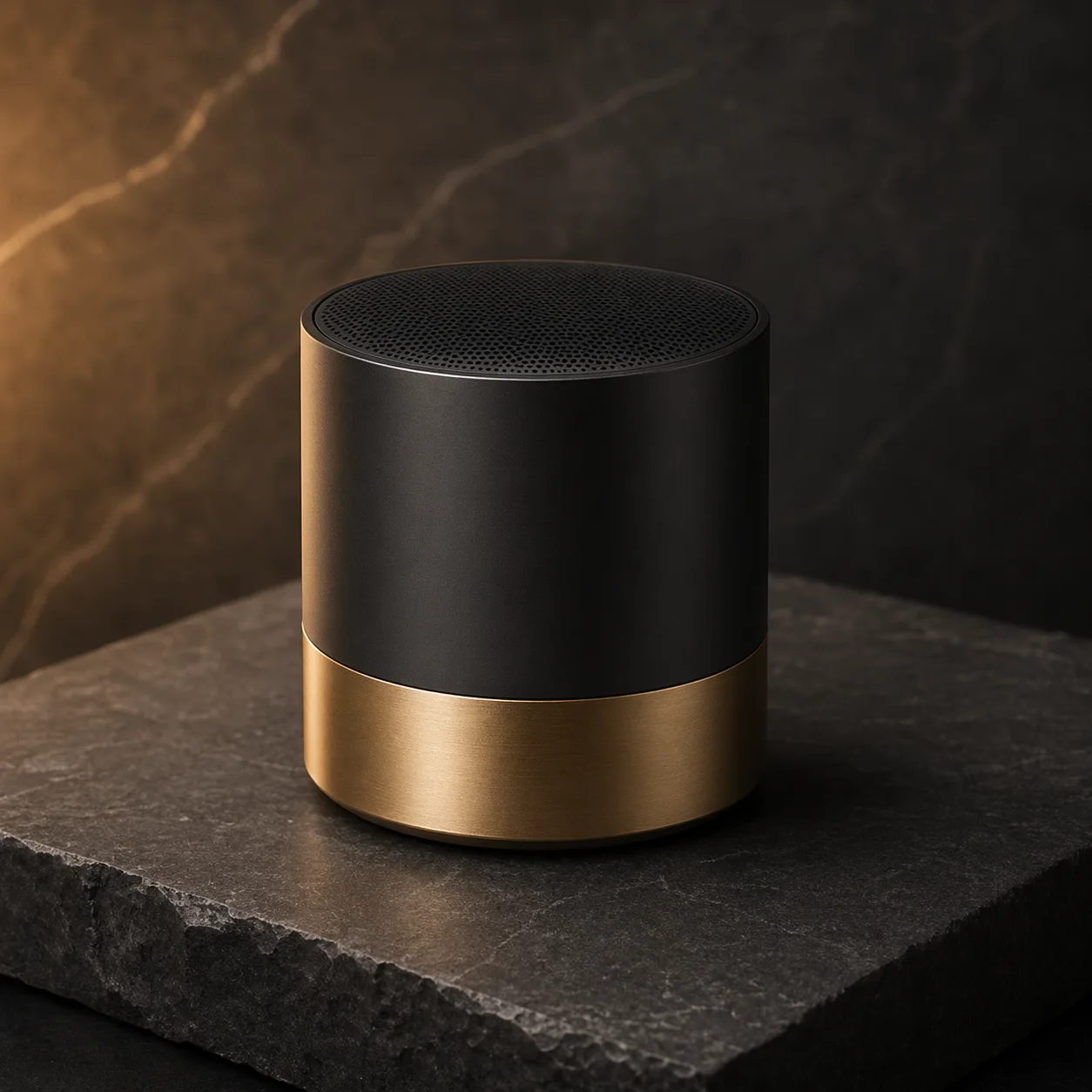
Prompt library companion
Start from an AI image prompt pattern, then refine the edit.
What you can edit by typing a prompt
Use prompt-based edits for the image workflows people search for: AI image editor with prompt, free AI image editor tasks, image AI editor variations, AI photo editor fixes, and ChatGPT-style image editing.
Only need to clean a supported visible Gemini corner mark? Use the browser-local Gemini watermark remover.
Background changes
Replace busy scenes with clean studio, lifestyle, or ecommerce backgrounds while preserving the subject.
Product variations
Create color, lighting, seasonal, and campaign variants from one product photo.
Ad creative edits
Turn one source image into multiple paid social, landing page, and launch visuals.
Photo cleanup
Adjust lighting, remove distractions, refine composition, and keep important details intact.
Edit images with prompts
The best prompt-based image edits are precise. Tell the editor what to change, what to preserve, and what the finished image should be used for.
Upload a source image
Start with a product photo, portrait, ad visual, or design asset.
Describe the exact edit
Use concrete instructions like "replace the background with a white studio" or "change only the jacket color" instead of vague edits.
Lock important details
Mention faces, product shape, logo placement, pose, or lighting that should remain unchanged.
Generate and refine
Create the first edit, then run narrower follow-up prompts for stronger variants.
AI Image Editor with Prompt FAQ
What is an AI image editor with prompt?
An AI image editor with prompt lets you upload an image and describe the change you want in natural language. Instead of manually masking every detail, you can ask for edits such as replacing a background, adjusting lighting, changing product scenes, or creating variants.
Can I edit images by typing a prompt?
Yes. Upload a source image, type the edit you want, and include preservation instructions such as "keep the product shape unchanged" or "preserve the person's face and pose".
Is this a ChatGPT image editor?
ImageGen2 is not the official ChatGPT app. It is an online AI image editor built for prompt-based image generation and editing workflows, with GPT Image 2 available as the editing model.
Can I use it as a free AI image editor with prompt?
You can start with free starter credits on ImageGen2. Some prompt-based edits use credits because AI image editing runs on paid model infrastructure.
What kinds of images can I edit?
You can edit product photos, portraits, ad creatives, social images, posters, and reference images. For best results, describe what should change and what must stay the same.
What should I write in an image editing prompt?
Write the desired change, the parts that must stay fixed, and the final use case. For example: "replace the background with a white studio, keep the product color and logo unchanged, add realistic floor shadows."